
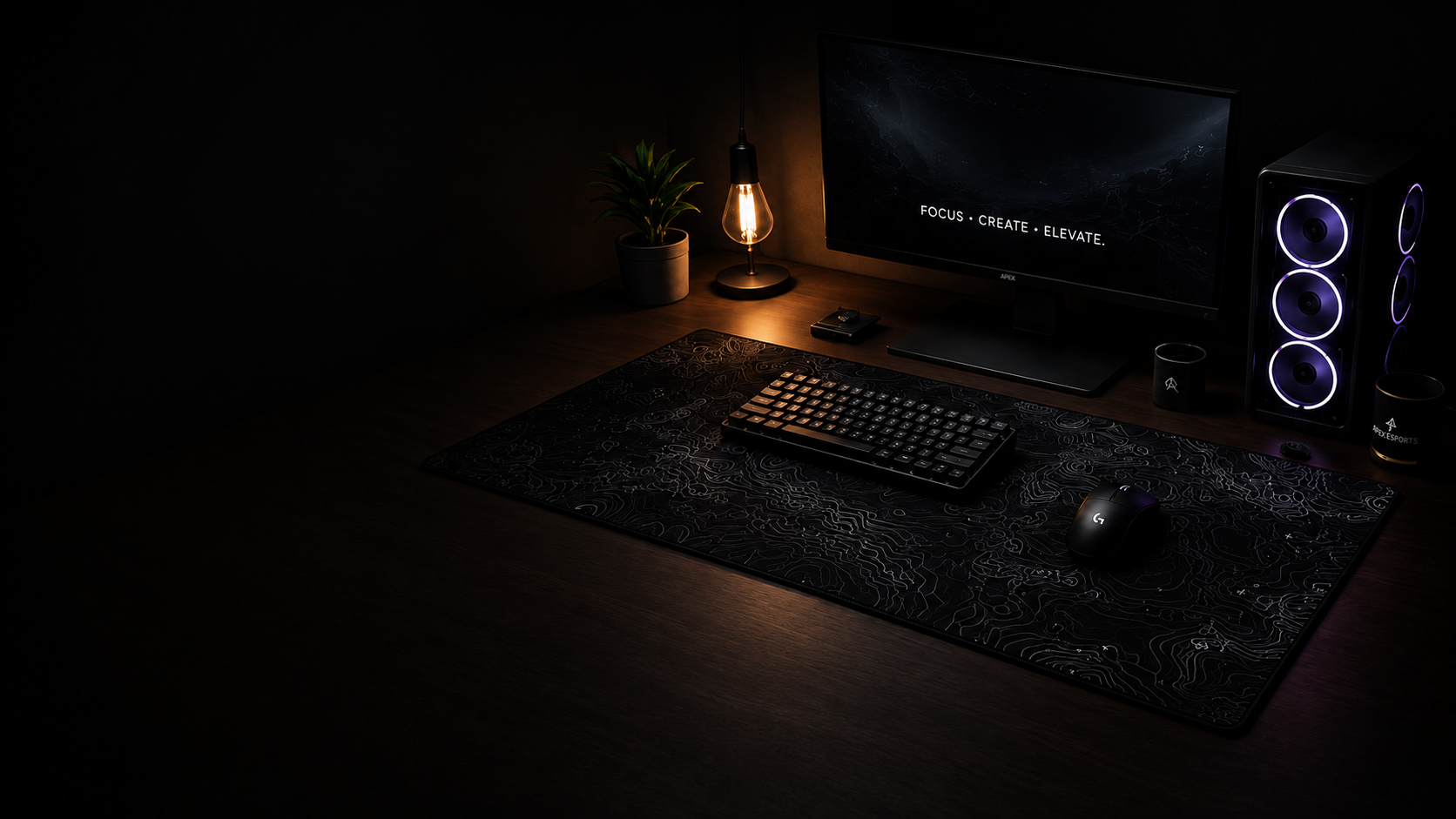
SIZING GUIDE
DESK MAT SIZING GUIDE. FIND YOUR PERFECT FIT.
Choosing the right desk mat makes all the world of difference in comfort, performance, and aesthetics. Use this guide to find your perfect fit for your workspace or playstyle.
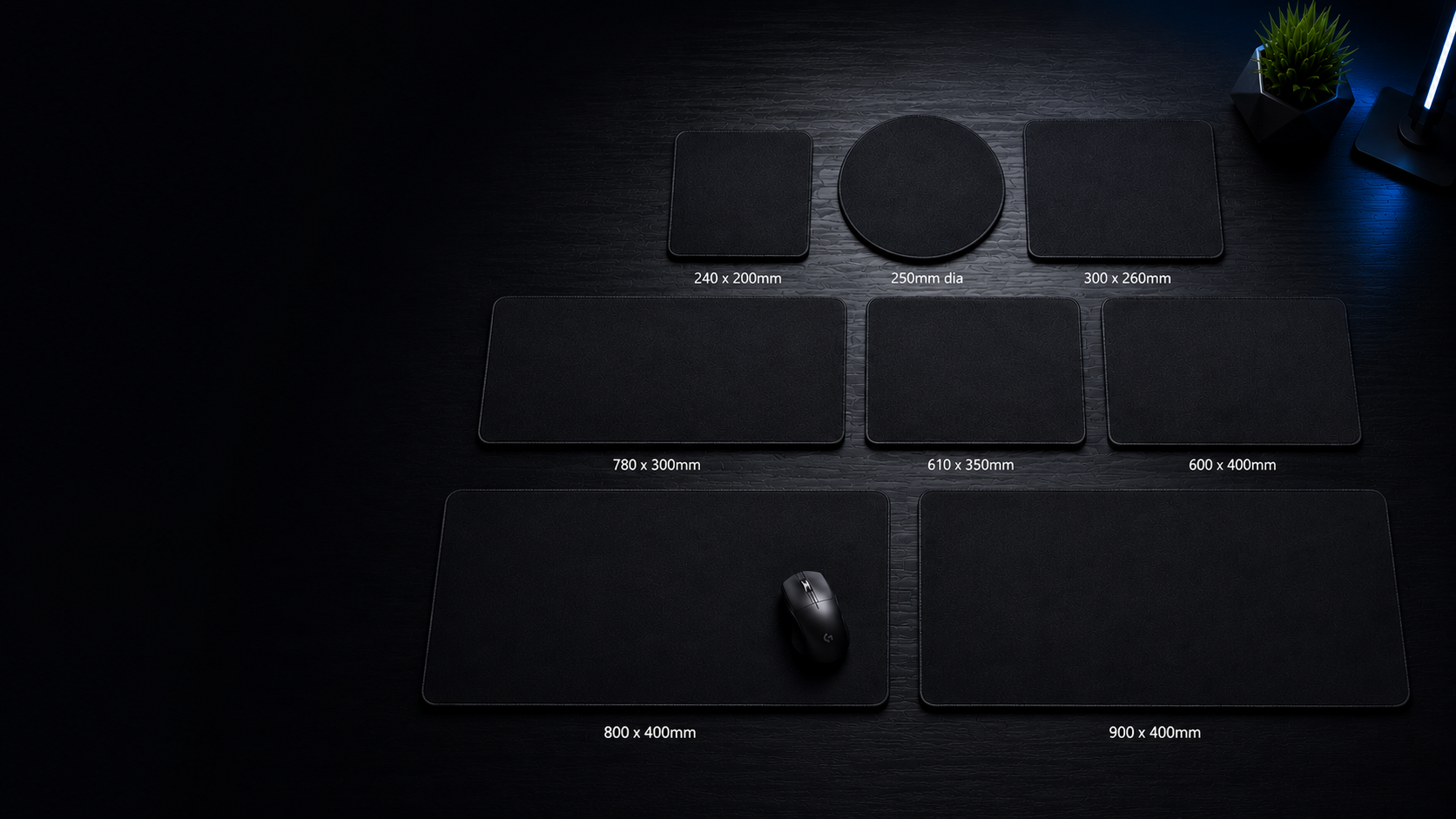
DESK MAT / MOUSE PAD SIZES
FIND YOUR PERFECT FIT
Non-slip rubberized neoprene underside
3-4mm Neoprene
Polyester fabric / gaming-style cloth top
Firm spongy cushioning
Full-colour sublimation printing
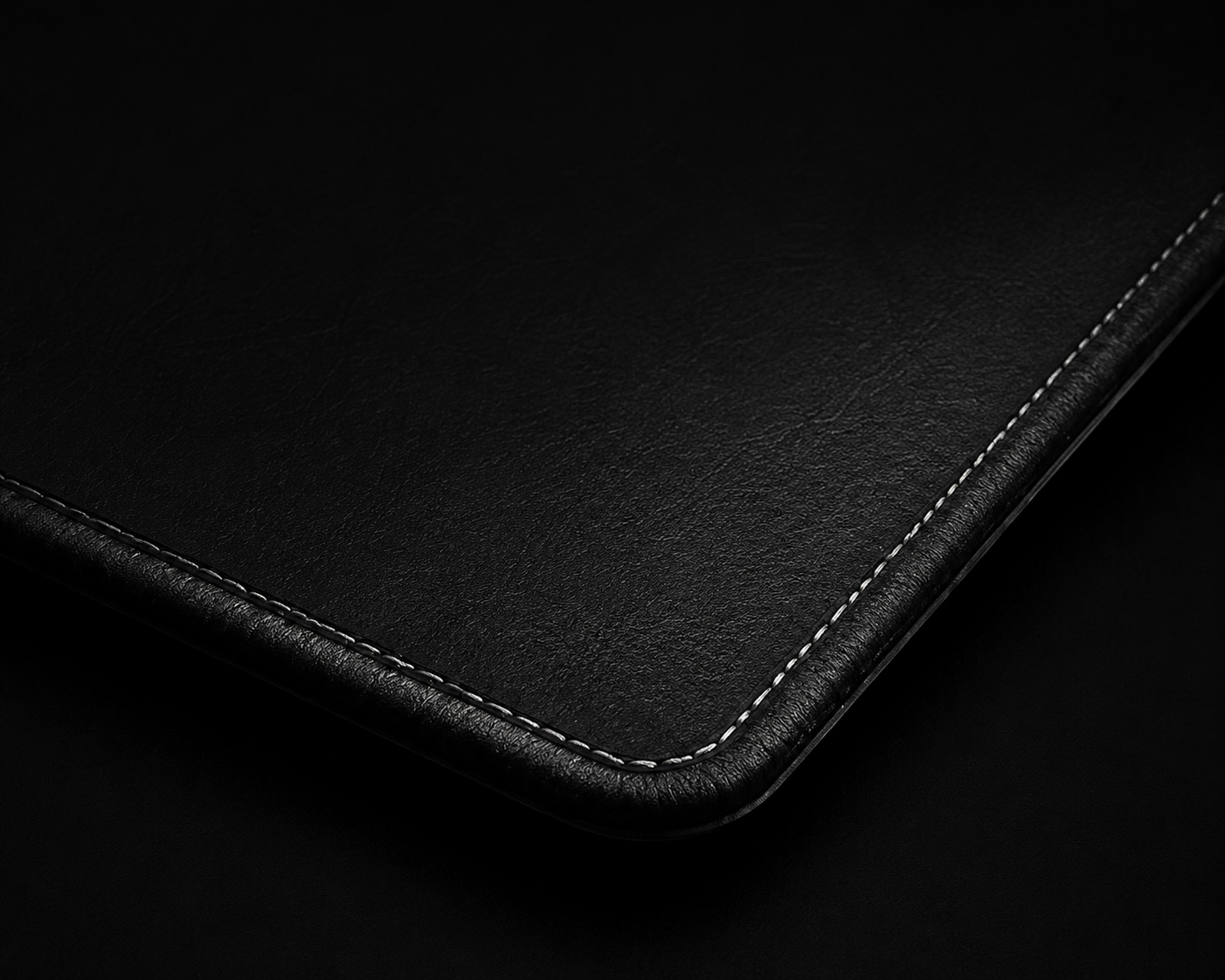
High-quality stitched edges
Smooth glide surface
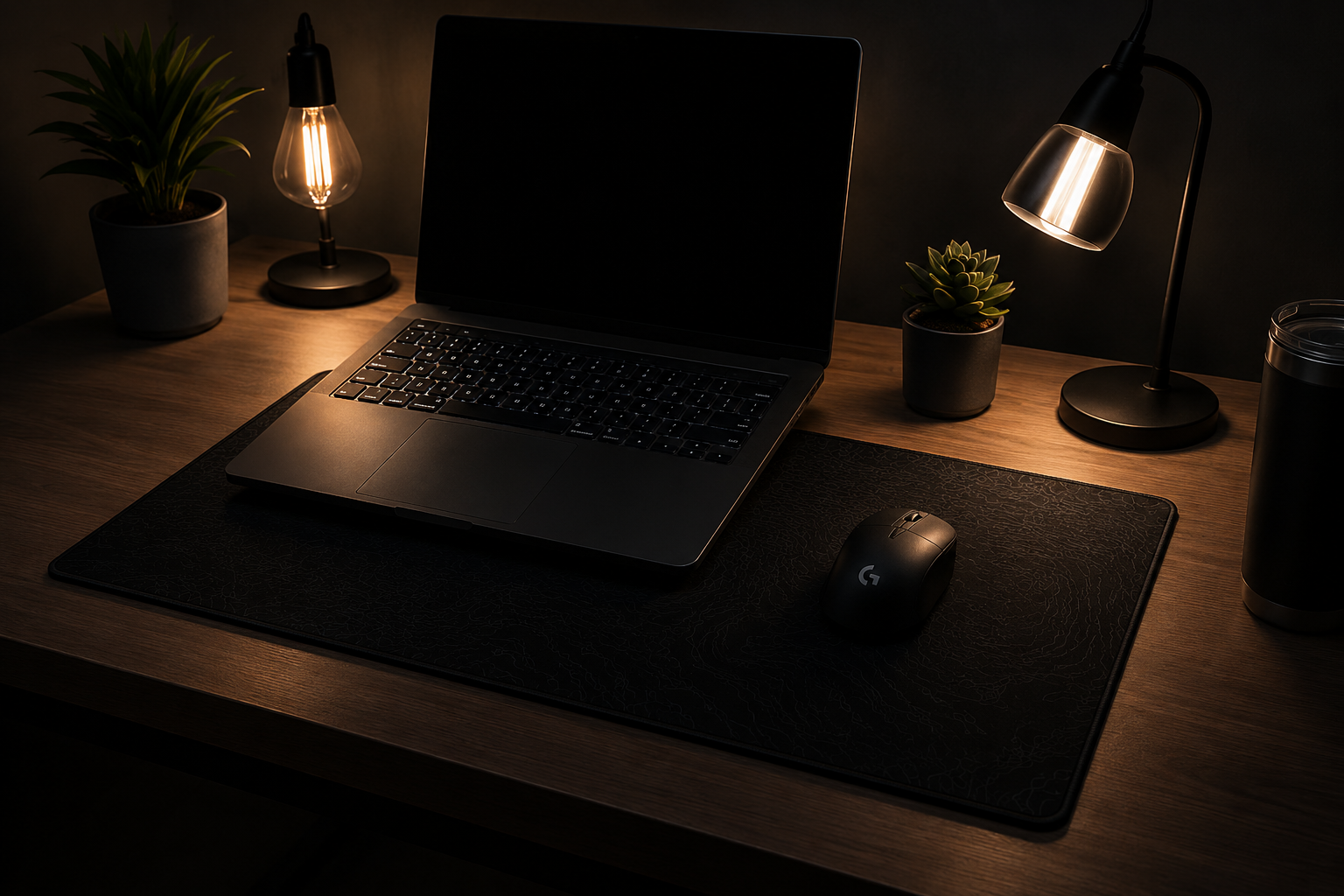
COMPACT SPACES
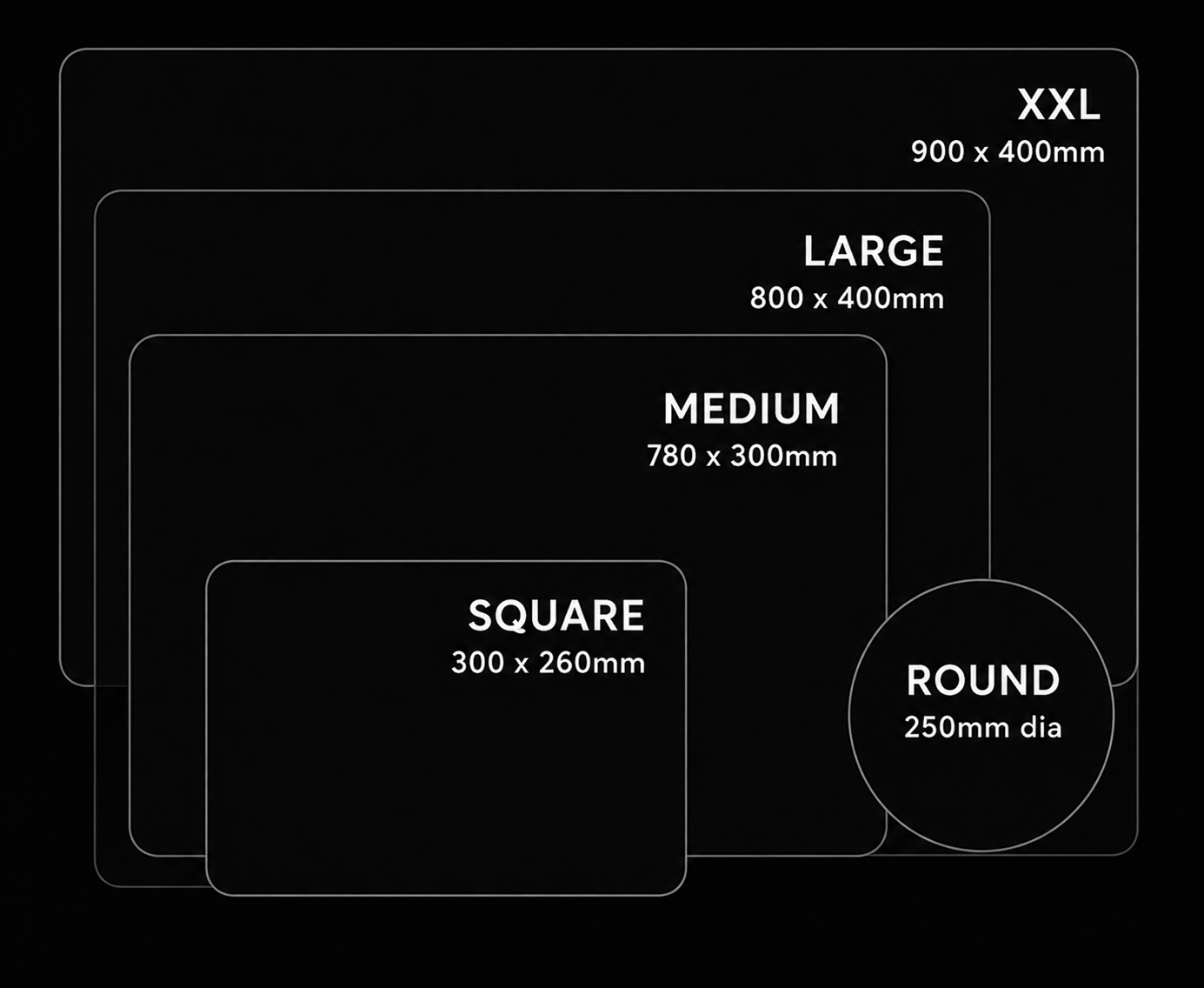
240 x 200mm - 300 × 260mm
Perfect for small desks, minimal setups
FIND THE RIGHT FIT FOR YOU
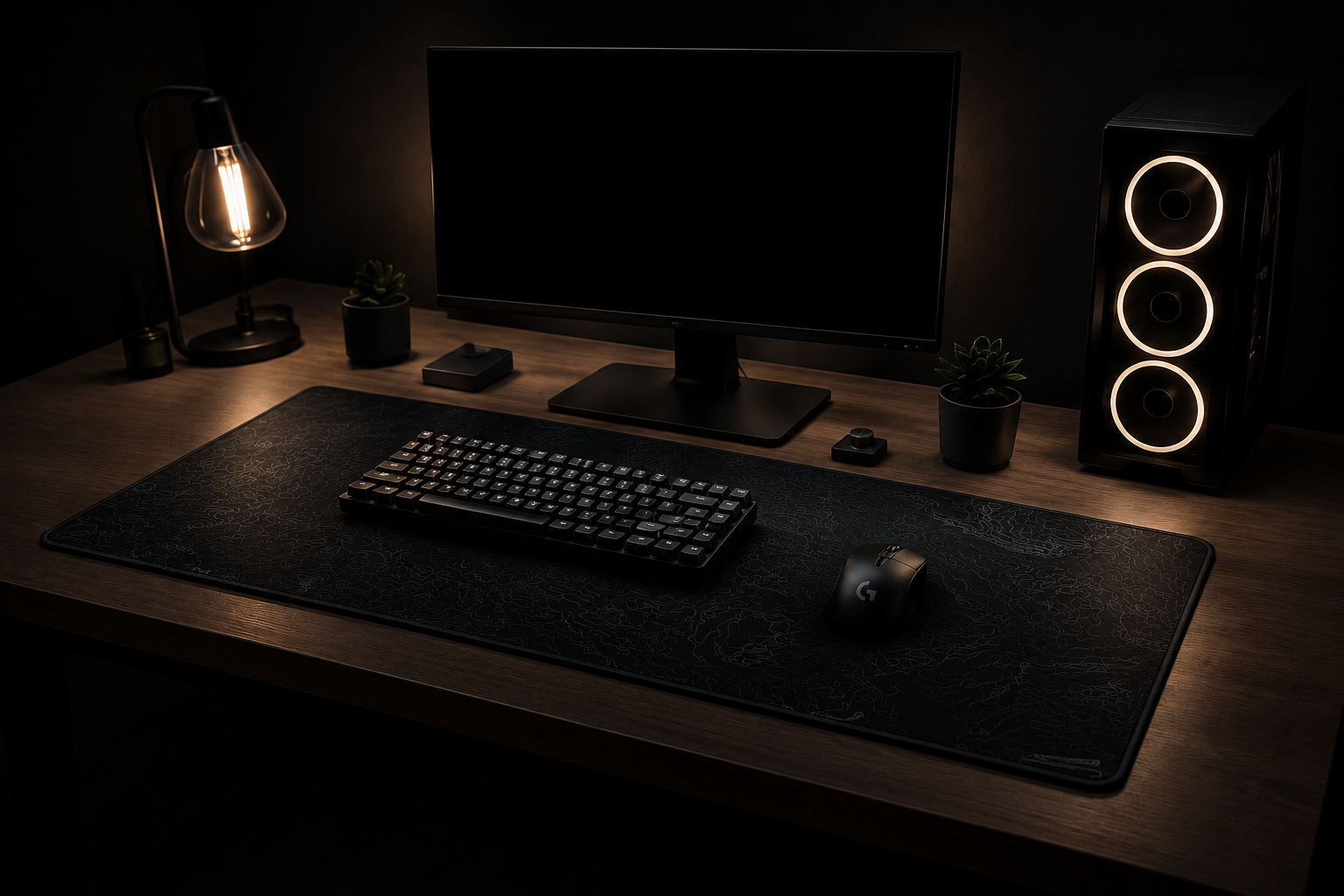
EVERYDAY USE
610 × 350mm- 780 × 300mm
Great for keyboards & mouse with room to move freely
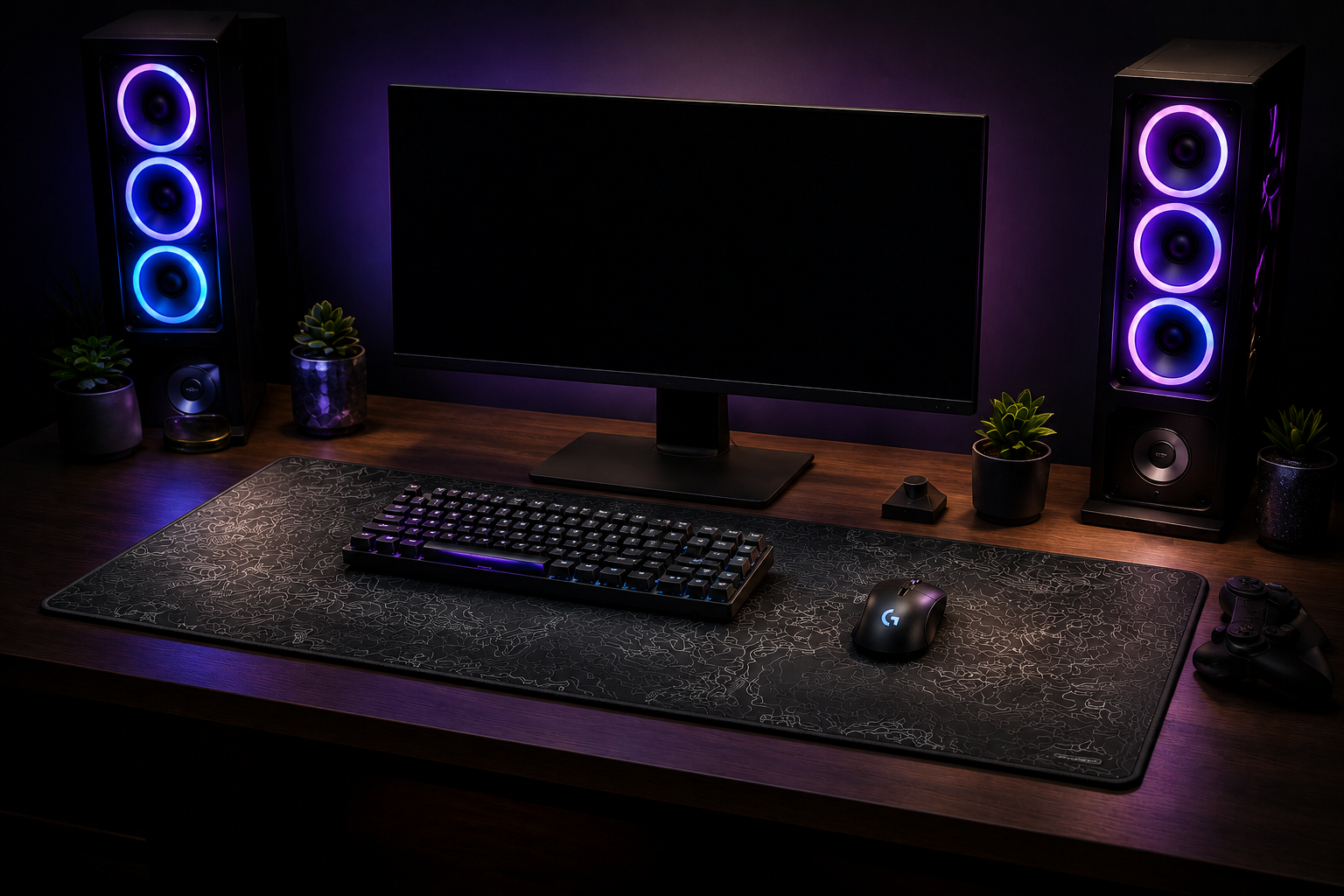
GAMING & PERFORMANCE
800 × 400mm
More space for lower DPI gaming & full desk coverage
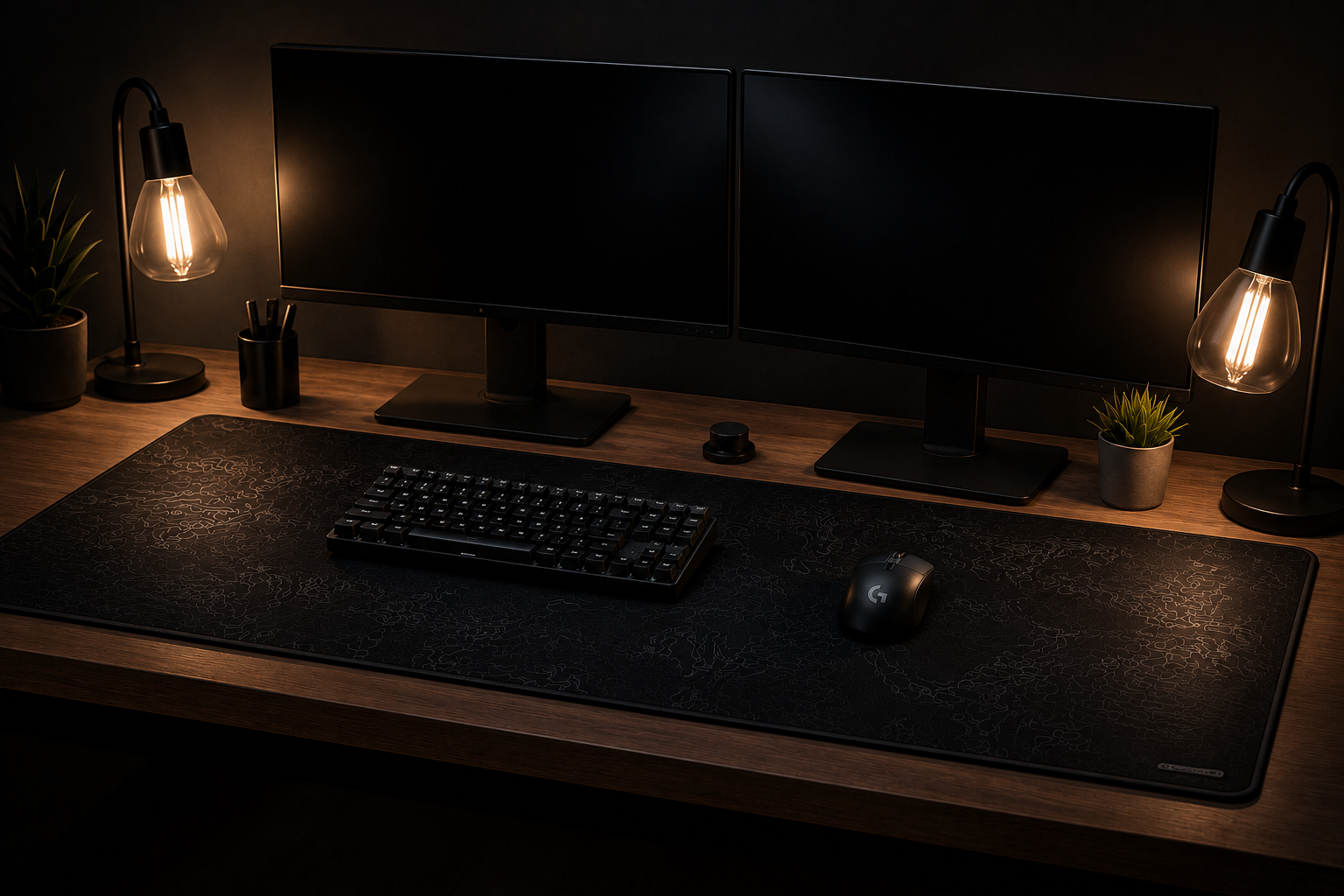
MAXIMUM COVERAGE
900 × 400mm
Full desk coverage for ultimate imermersion and look
HOW TO CHOOSE YOUR SIZE
✓ Smaller desk mats are ideal for light use, laptops and travel
✓ Medium sizes offer a balanced workspace for daily tasks
✓ Large and XXL mats are perfect for gaming streaming and full desk setups
✓ Consider your desk space, mouse sensitivity and keyboard placement.
✓ When in doubt, size up for more freedom.
FREQUENTLY ASKED QUESTIONS
-
The best gaming desk mat size depends on your setup and play style. Most gamers prefer larger desk mats because they provide more mouse movement space and keep both the keyboard and mouse on the same smooth surface.
780×300mm → Great for compact setups and smaller desks
800×400mm → Ideal all-round gaming desk mat size
900×400mm → Best for low DPI gamers, large desks, and immersive setups
Larger desk mats also create a cleaner aesthetic while protecting your desk surface.
-
A larger desk mat can improve comfort, consistency, and mouse control, especially for FPS and competitive gaming. Extended mouse space allows smoother tracking and more freedom for low sensitivity movements.
Benefits include:
Better mouse accuracy
More consistent tracking
Reduced desk friction
Cleaner keyboard and mouse alignment
Increased wrist and arm comfort during long sessions
While a desk mat won’t instantly make you a better gamer, it can significantly improve your overall gaming experience.
-
Choosing the right desk mat depends on your desk dimensions, monitor setup, and how much space you want covered.
Recommended Size Guide
Small/Compact Setup: 780×300mm
Standard Gaming Setup: 800×400mm
Full Extended Setup: 900×400mm
For the best fit:
Measure your available desk space
Leave room for monitor stands and accessories
Decide whether you want partial or full desk coverage
Most customers choose larger desk mats for a more premium and immersive setup.
-
Our premium neoprene desk mats are available in:
3mm thickness → Flexible and lightweight
4mm thickness → Premium cushioning and comfort
The thicker 4mm desk mats are especially popular for gaming setups because they provide better wrist support and a more premium feel.
-
Yes — neoprene desk mats are one of the best materials for gaming and productivity setups. The soft rubber base provides excellent grip while the smooth fabric surface delivers precise mouse tracking.
Benefits of neoprene desk mats:
Non-slip rubber backing
Smooth mouse glide
Comfortable cushioning
Durable stitched edges
Water-resistant material
Works with optical and laser mice
This combination makes neoprene desk mats ideal for gaming, office work, streaming, and creative setups.
-
Desk mats are designed to fit most standard desks, but choosing the correct size is important for the best appearance and functionality.
We recommend:
Measuring your desk width and depth
Leaving space for monitor arms or speakers
Choosing a size that complements your setup rather than overcrowding it
Extended desk mats work especially well on modern gaming and office desks.
-
Absolutely. Neoprene desk mats work perfectly with both standing desks and traditional desks. Their non-slip rubber base helps keep the mat secure even when adjusting desk height.
Desk mats also add comfort during long work or gaming sessions by reducing pressure on wrists and forearms.
-
Yes — stitched edges help prevent fraying, curling, and wear over time. Premium stitched-edge desk mats last significantly longer than non-stitched alternatives and maintain a cleaner appearance after extended use.
-
Most neoprene desk mats are water-resistant rather than fully waterproof. Small spills can usually be wiped away easily, helping protect your desk surface from moisture and stains.
For best longevity:
Clean spills quickly
Avoid excessive soaking
Allow the desk mat to air dry fully after cleaning
-
To clean your desk mat:
Use mild soap and warm water
Gently wipe or hand wash the surface
Avoid harsh chemicals or bleach
Air dry flat before reuse
Regular cleaning helps maintain smooth mouse performance and keeps printed designs vibrant.
-
Yes — large desk mats help protect desks from:
Scratches
Heat marks
Liquid spills
Mouse wear
Keyboard scuffs
They also reduce noise and create a cleaner, more organized desk setup.
-
Large desk mats have become popular because they combine functionality with aesthetics. They create a premium full-desk appearance while improving comfort and mouse performance.
Many gamers, creators, and professionals prefer extended desk mats for:
Better setup organization
Improved comfort
Enhanced gaming performance
Cleaner cable management appearance
Modern minimalist desk aesthetics
PRO TIP
A larger desk mat improves mouse movement, it also protects your desk and elevates your entire setup aesthetic